





How to Take Your Joomla! Website Temporarily Offline
There may be occasions when you will make your Joomla! website completely unavailable to visitors for a short time. There is a simple switch in the Administrator back-end that enables you to take your website offline very quickly. It can be returned to service at a later time just as easily.
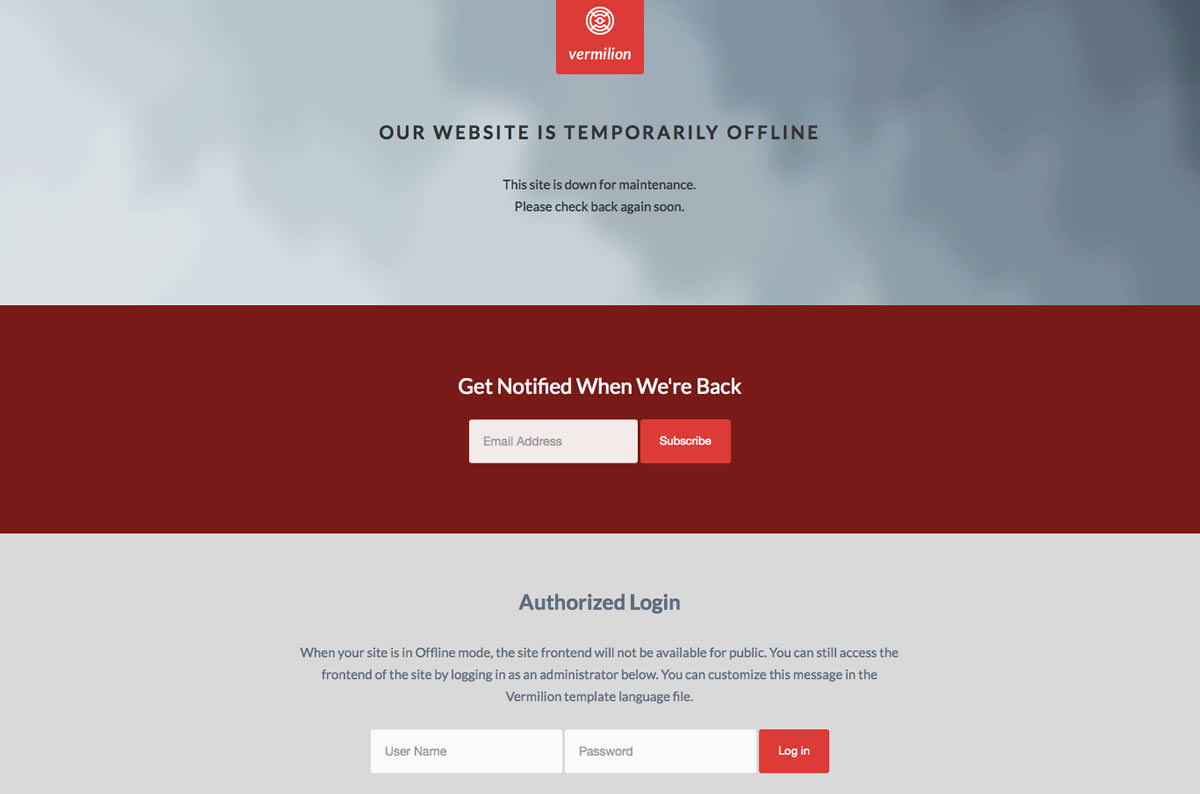
To make your Joomla! website unavailable to visitors, replacing it with a simple message, do this:
- Log in to the Administrator back-end.
- Click on the Global Configuration button in the main Control Panel or click the Site → Global Configuration menu item in Joomla 2.5 or System → Global Configuration in Joomla 3.2.
- There are so many configuration options that they need to be divided into separate groups or tabs. The Site tab, it should be the default first view displayed, if not click on the tab.
- Find where it says Site Offline and change the radio button from No to Yes in Joomla 2.5 or click the Yes button in Joomla 3.2.
- Optional: Change the Offline Message to give your visitors some explanation about why your website is unavailable.
- Click the Save toolbar button to implement the new settings:
- The Save toolbar button will save your changes and but leave you in Global Configuration.
- The Save and Close button will save your changes and return you to the Administrator Control Panel.
- You should see a message confirming the settings have been changed.
Vermilion comes with it's own customized Site Offline page which is displayed when the site is set to Offline Mode within the Joomla! Administration. This page, /templates/rt_vermilion/offline.php can be easily customised with your own layout, logo and colours, so it represents a message which relates to your project.